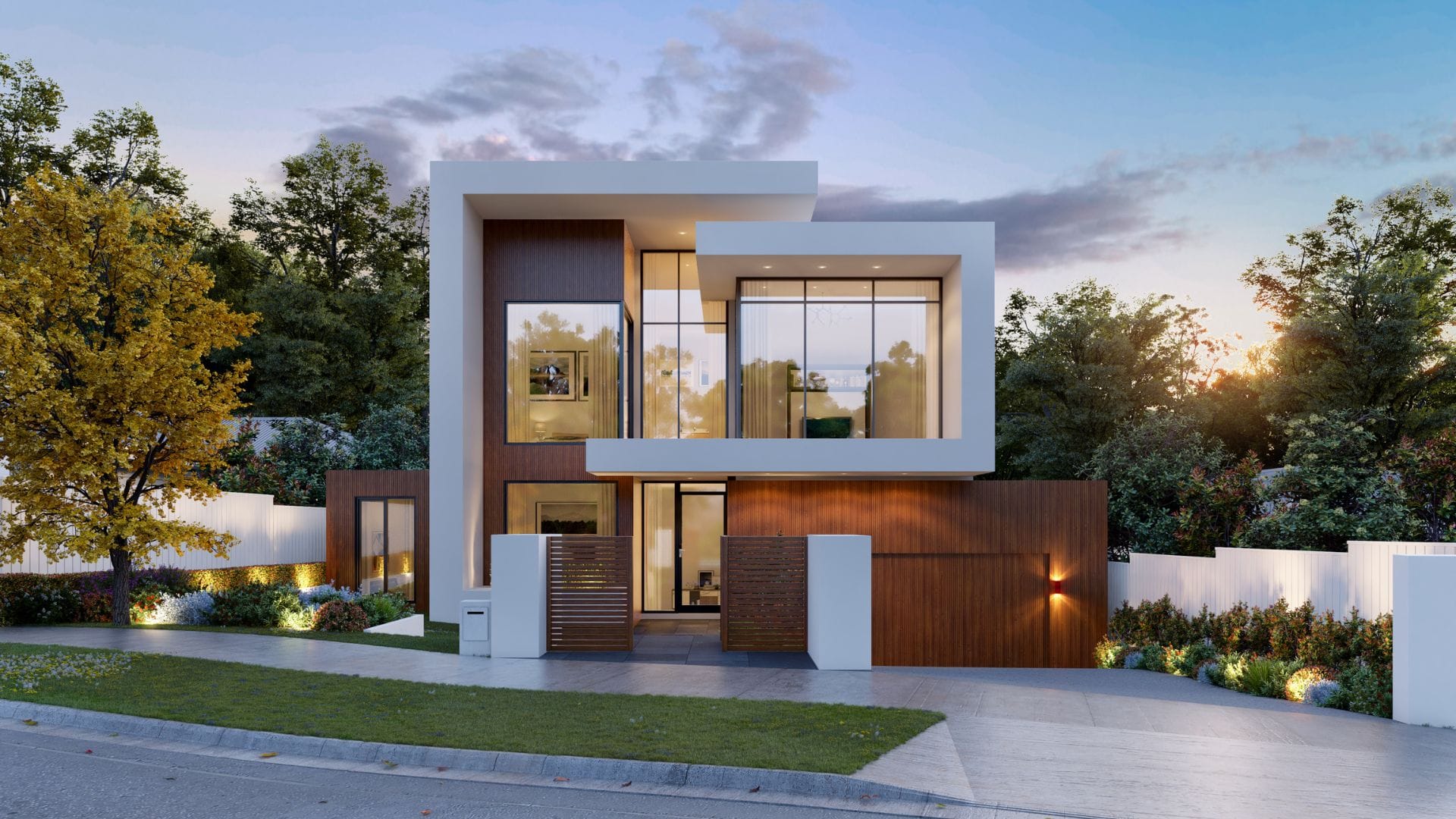
A floor plan can tell you where a room is. It cannot easily tell you how that room will feel when you enter it, turn toward the window, or stand beside the kitchen island. That gap is where VR architectural visualization earns its place.
VR architectural visualization is an interactive 3D experience of a proposed building or space. It lets people explore scale, flow, materials, light, and room links before construction. The experience may run through a headset, a browser, or both.
For architects and developers, architectural VR is most useful when a decision depends on spatial understanding. A polished still render remains faster for showing one viewpoint. A film is better for a fixed story. An immersive architectural visualization lets the viewer inspect the environment and notice what a carefully chosen camera may hide.
This guide explains how VR architectural visualization works, where it creates value, what it requires, and how to scope it without paying for interaction that nobody needs.
What is VR architectural visualization and how does it differ from other formats?
VR architectural visualization is a navigable digital model of a proposed building that places the viewer inside the space through a head mounted display or immersive browser experience. Unlike a static render, it supports viewpoint changes. Unlike a 360 tour, it can represent a fully modelled environment with depth, movement, and interactive choices.
| Format | Best at | Main limitation |
|---|---|---|
| 3D render | Showing a controlled view, finish, or mood | The viewer cannot inspect other angles |
| Animation | Telling a planned spatial story | The camera controls the journey |
| 360 tour | Giving broad access through panoramic views | It is usually less interactive than a live 3D environment |
| VR | Testing scale, movement, and spatial relationships | It needs device access and performance testing |
| AR | Placing digital information over the real world | The real setting can affect tracking and presentation |
The term 360 VR and AR visualization covers related experiences, but they solve different communication problems. A 360 VR and AR visualization package may include several formats, yet each should have a defined job. Choose VR when people need to understand a place from the inside. Choose a render when one strong view answers the question.
How does VR architectural visualization work from model to headset?
A VR architectural visualization project moves from approved information to a 3D environment, then through materials, lighting, interaction, optimization, testing, and delivery. A stuttering scene or wrong revision fails.
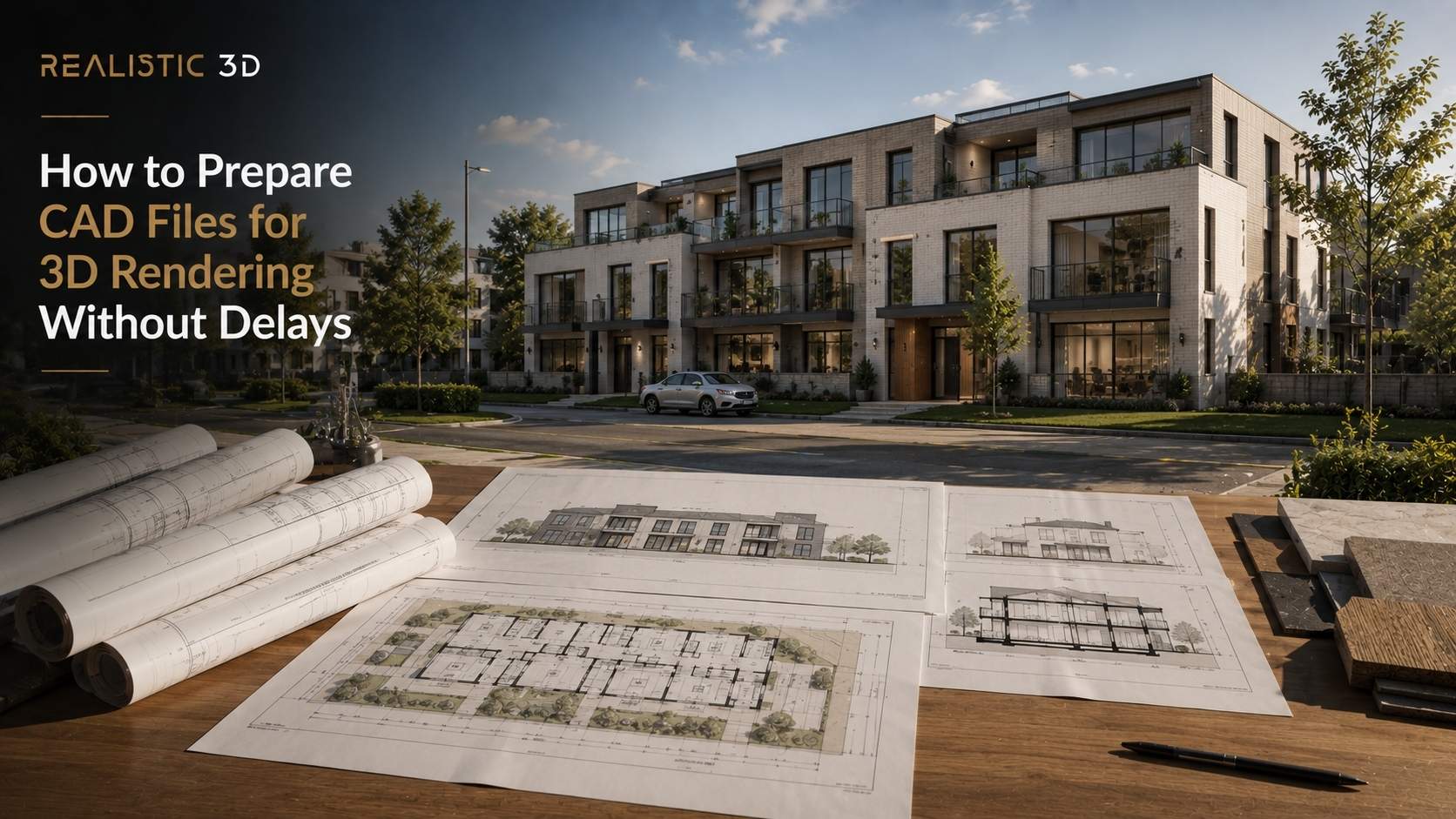
Start with CAD, BIM, or SketchUp files, floor plans, elevations, material references, landscape information, and a decision brief. The CAD preparation guide explains why clean units and structure reduce delays.
- Confirm the approved model, units, and design issue
- Clean geometry and set level of detail
- Build materials, lighting, context, and landscape
- Define routes, options, annotations, or hotspots
- Optimize geometry, textures, lighting, and loading
- Test on the target headset, browser, and computer
- Review comfort, accuracy, accessibility, and revision status
Real time engines respond to movement. Unity’s XR documentation covers virtual, augmented, and mixed reality. Unreal Engine’s XR documentation covers head mounted devices and handheld AR.
An engine is only a tool. OpenXR can reduce platform splits through a shared API. Teams still need to test the devices, runtimes, inputs, and speed used for delivery.
Where does immersive architectural visualization create the most value?
Immersive architectural visualization creates the most value when people must compare options, understand movement, or approve a space before it exists. It suits design reviews, client presentations, material decisions, investor communication, and off plan property sales.
In a design review, architectural VR can expose a tight circulation route, weak sightline, awkward door swing, or poor relationship between furniture and structure. It gives clients something more precise to discuss than a vague reaction to a plan. Drawings and professional judgment remain essential.
In property marketing, VR visualization gives buyers a sense of arrival, room sequence, views, amenities, and finish combinations. A sales team can use a guided experience at launch and a browser version for remote prospects. The 3D virtual tour guide explains why captured tours and modelled experiences are different products.
VR also works beside other assets. Use architectural animation for the story, a render for a precise finish, and VR for exploration. For large sites, an architectural flythrough can explain the setting before the headset experience moves indoors.
How should you plan the cost, hardware, and performance of VR visualization?
The cost of VR visualization depends on the source model, spaces, realism, interaction, devices, browser delivery, testing, revisions, and deployment. A guided room differs from a multi-building environment with finish options and shared sessions.
Decide the delivery environment first. Headset based architectural VR offers the strongest sense of scale. WebXR widens access through a supported browser. The W3C WebXR specification describes web access to VR and AR devices, but support still needs checking.
The brief should define the users, spaces, decisions, movement style, target hardware, required options, approved design revision, and review rounds.
The best VR architectural visualization plan gives every technical choice a clear user reason.
Performance is part of comfort. Epic’s VR guidance explains why missed frames make VR uncomfortable. Meta’s locomotion guidance covers teleport movement and snap turns.
Pilot one route first. Ask what users understood or found uncomfortable. Provide a browser walkthrough or still image set for people without hardware. Keep sales elements clearly labelled. The planning permission rendering guide explains why visual material supports communication without becoming the approval itself.
What do architects and developers ask about VR architectural visualization?
What is VR architectural visualization?
VR architectural visualization is an immersive architectural visualization experience, built as a 3D model of a proposed building for headset or browser exploration.
How much does VR architectural visualization cost?
There is no fixed price. Model readiness, spaces, realism, interaction, devices, testing, revisions, and deployment set the quote.
How long does a VR visualization project take?
Timelines vary with source files, environment size, interaction, review rounds, and hardware testing.
Do you need a complete 3D model for VR?
No. CAD, BIM, drawings, or partial models can work after dimensions, geometry, and detail level are checked.
Can VR be used before construction begins?
Yes. Teams use VR for design reviews, approvals, investor presentations, finish selection, exhibitions, and off plan sales.
Is VR better than an architectural render?
Neither. Renders show a controlled viewpoint, while VR is stronger for movement, scale, and spatial relationships.
Do users need a headset?
Not always. Headsets offer immersion, while WebXR and 360 VR and AR visualization can broaden access.
Can clients review VR remotely?
Yes. Browser experiences, shared sessions, distributed headsets, recordings, and review captures support remote participation.
What is the main takeaway about VR visualization?
VR architectural visualization helps people understand a proposed place before it exists. Its advantage is not novelty. It is the ability to make scale, movement, material choices, and spatial relationships easier to inspect and discuss.
Use architectural VR when immersion supports a real design, approval, or sales decision. Start with the audience, approved information, target environment, and success measure. Then choose the level of realism and interaction that serves that decision.
If your project needs a clear route from drawings to an immersive experience, review the Realistic3D VR and AR visualization service with the model status, intended users, key spaces, target devices, and delivery date ready. A 360 VR and AR visualization option may suit a broader audience, while VR architectural visualization may suit a focused decision.
 Written byShakhawat Ullah BadhonMore from Shakhawat