
3D Architectural Animation Services for Real Estate Marketing
Your project,
in motion.
Architectural walkthroughs and flythroughs that animate movement, flow, scale and light, everything a still frame leaves out.
- 4K
- 60 fps master
- 3
- Aspect ratios
- Several
- Weeks to deliver
 2026 Showreel: 3D Visualization & Rendering01:38
Show the Journey
Help viewers move through and around the project with ease.Reveal Scale
Show size, height, flow, access, and site context in motion.Market Stronger
Create video assets for launches, ads, websites, sales rooms, and events.Sell the Experience
Help buyers, investors, and clients feel the final project before it is built.
A render shows
one moment.
Animation shows
the story.
We turn plans, renders or models into a 3D architectural animation: the arrival, the route, the room flow, the site scale, the light and the mood. Which makes a scheme easier to present, promote, remember and sell.
- 30-90s
- Typical length
- 3
- Aspect ratios
- 4K
- Master delivery
Types of 3D Animations We Create
From an interior walkthrough to a building flythrough, choose the motion format that helps your audience understand the project journey.
 16:9
16:9- Layout
- Finishes
- Space feels
Interior Walkthrough
Move through rooms, show layout, furniture, light, finishes, and how the space feels.
 16:9
16:9- Scale
- Facade
- Site
Exterior Flythrough
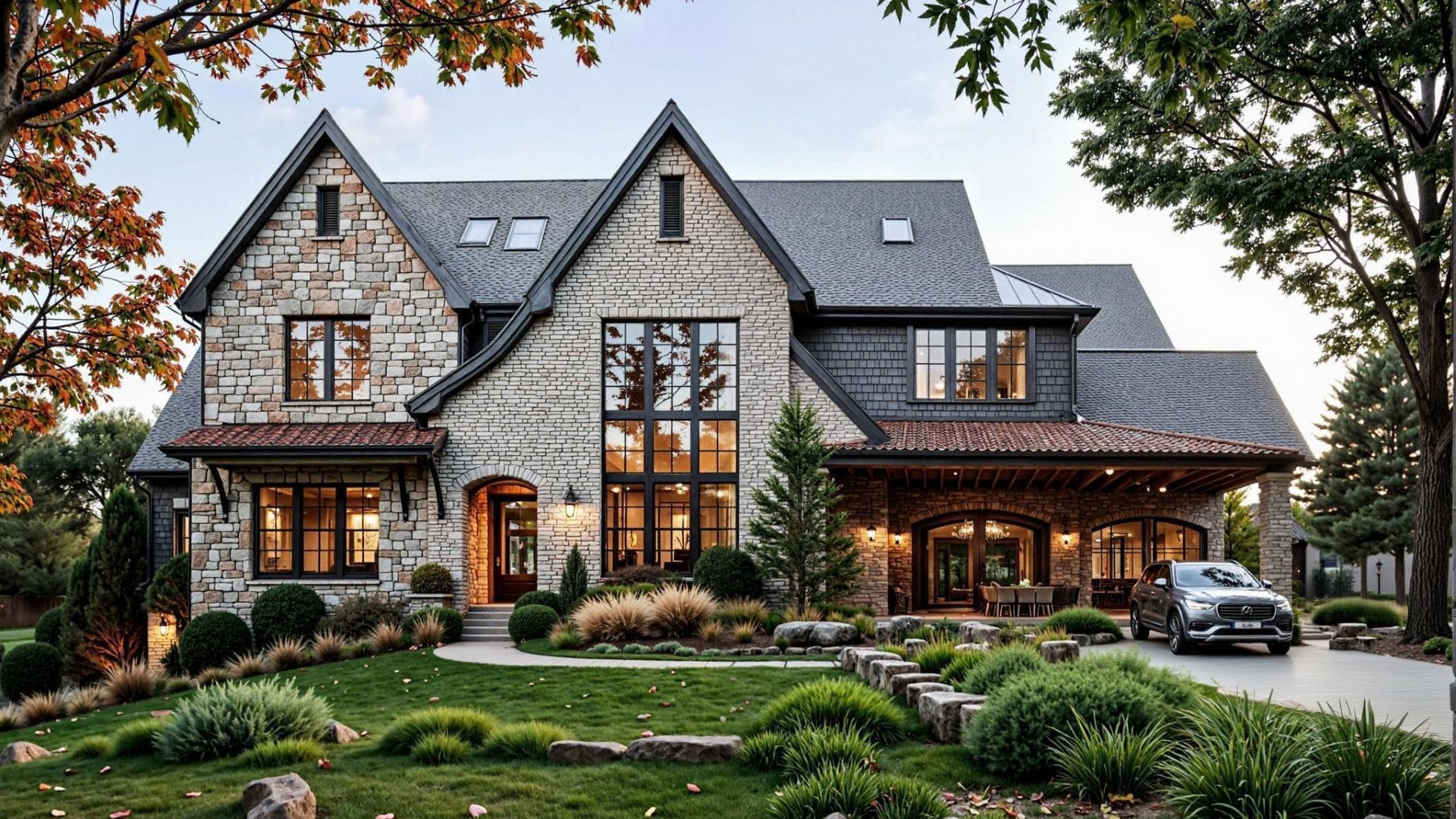
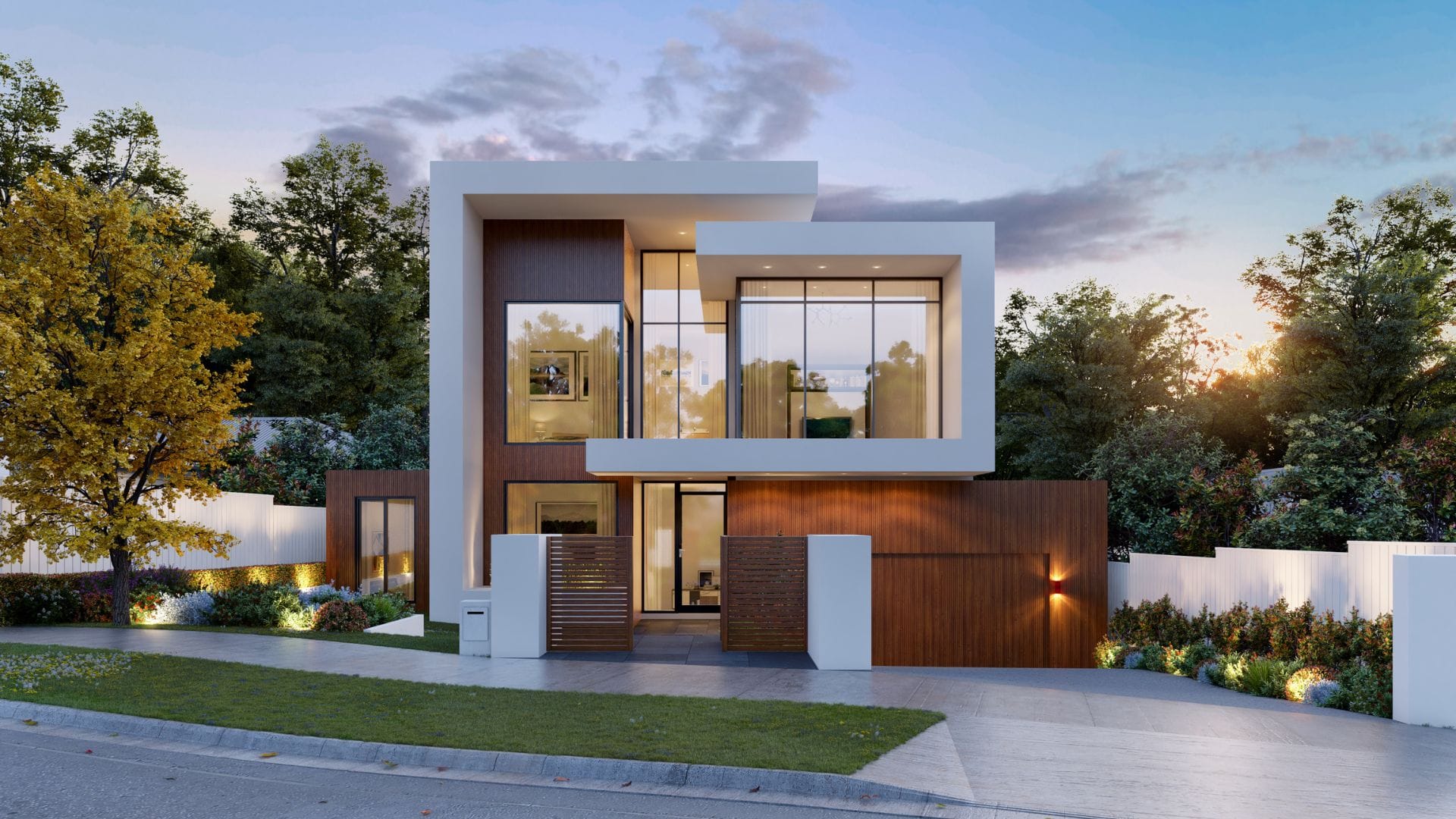
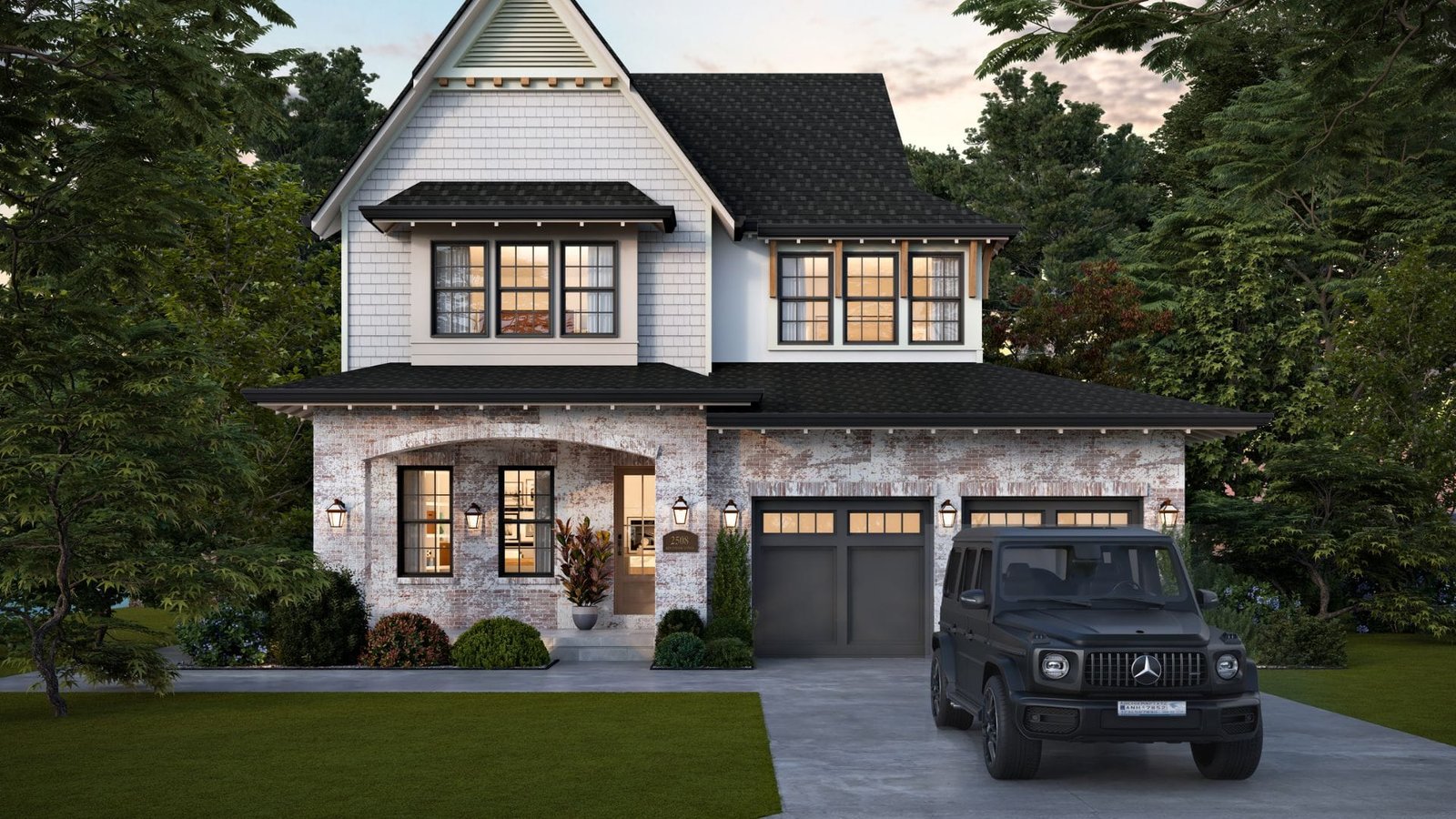
Move around or above the building to show scale, facade, site, access, and context.
 16:9
16:9- Launches
- Website
- Investor decks
Property Marketing Animation
Create a polished video for launches, sales rooms, websites, ads, and investor decks.
 16:9
16:9- Project
- Masterplan
- Campus
Site or Development Animation
Show a larger project, masterplan, campus, estate, or commercial site in motion.
 1:1
1:1- Product
- Feature
- Detail
Product or Feature Animation
Show how a product, feature, system, detail, or design idea works.
- 9:16
- Social media
- Clips
- Campaign
Short Social Video
Create short clips for ads, social media, landing pages, and campaign teasers.


Selected architectural animations
Show the Parts a Still Image Cannot
Movement and Flow
Show how people move through rooms, paths, entrances, and spaces.
Arrival Experience
Show the first view, approach, entry point, and sense of place.
Scale and Context
Show the size of a building, site, landscape, or development.
Interior Journey
Show rooms, furniture, lighting, finishes, and transitions in sequence.
Exterior Journey
Show facade, massing, landscape, roads, access, and site setting in motion.
Mood and Atmosphere
Use light, music, camera movement, and pacing to shape the project.
Delivery, on the spec sheet
Nothing vague. Every animation ships with the same technical baseline, agreed before we start rendering.
- Resolution
- 4K UHD
- 3840 × 2160 master
- Frame rate
- 60 fps
- 25 / 30 on request
- Ratios
- 16:9 · 9:16 · 1:1
- One shoot, three cuts
- Audio
- Licensed
- Music bed & ambience
- Extras
- Titles & subs
- Branded end card
- Also supplied
- Still frames
- Six 4K pulls, free
From brief to final grade
Several weeks- Stage 01Brief & storyboardShot list, length, mood and music direction agreed on paper first.
- Stage 02Blockout & cameraGrey-box animatic so timing and moves are signed off before texturing.
- Stage 03Materials & lightFinishes to schedule, then the lighting pass that sets the mood.
- Stage 04Render & compFrames rendered on the farm, then composited with people and planting.
- Stage 05Grade & soundColour grade, music bed, ambience and titles cut to the beat.
- Stage 06DeliveryMasters, social cuts and six still pulls, packaged for your channels.
Use One Animation Across
Many Project Touchpoints

Use one 3D animation across launches, investor decks, websites, ads, and sales rooms to help viewers feel the project before it is built.
- Sales LaunchesShow the project clearly before the site is complete.
- Investor DecksShow scale, value, movement, and the finished vision.
- Client PresentationsHelp clients understand layout, flow, and the full experience.
- Websites and AdsUse motion on landing pages, social media, paid ads, and campaigns.
- Events and Sales RoomsUse animation on screens, booths, pitches, showrooms, and sales displays.
Not Sure Which
Animation You Need?
We help you choose the right video format for sales, design review, launch, or presentation.
Use walkthroughs to show room flow, furniture, finishes, lighting, and mood.
Use flythroughs to show facade, scale, roads, access, and site context.
Use site animations to show masterplans, phases, landscape, and key areas.
Use short, polished videos for websites, ads, social media, and launch campaigns.
Use a clear project film that shows value, scale, experience, and final vision.


Move Buyers From Interest to Action

Show the Full Project Journey
Guide viewers through entrances, rooms, shared spaces, landscaping, and key features. Animation explains scale and flow better than a single image.
Make Launches More Memorable
Use a polished architectural animation across sales rooms, investor pitches, websites, ads, social media, events, and project launches.
Sell the Experience Before Completion
Help buyers and investors understand how the finished development will look, move, and feel before construction is complete.

Architectural 3D animation turns plans or 3D models into a moving film of an unbuilt property, usually a walkthrough inside the building or a flythrough around and above it. Developers and architects use it for planning presentations, sales launches, websites and real estate marketing.
Most animations take several weeks. Timing depends on video length, project scale, detail, camera movement, and revision rounds.
We can use CAD, Revit, SketchUp, floor plans, elevations, material schedules, landscape plans, scripts, and visual references.
Yes. We can review your model and confirm whether it is suitable or needs cleanup, added detail, materials, or landscaping.
Most property animations run from 30 to 90 seconds. The right length depends on the audience, platform, and project story.
Cost depends on duration, modelling, project size, detail, sound, editing, and deadline. We provide a fixed quote after reviewing the brief.
An architectural walkthrough moves through the building at eye level, room by room, to show layout, finishes and flow. A flythrough moves around or above the building to show the facade, scale, landscape and site context. Many projects combine both in one film.
For off-plan sales it usually earns its cost. One animation runs across launches, sales suites, websites, social ads and investor decks, and it helps buyers understand scale and flow before the development is complete.
What we do
Every visual your project needs
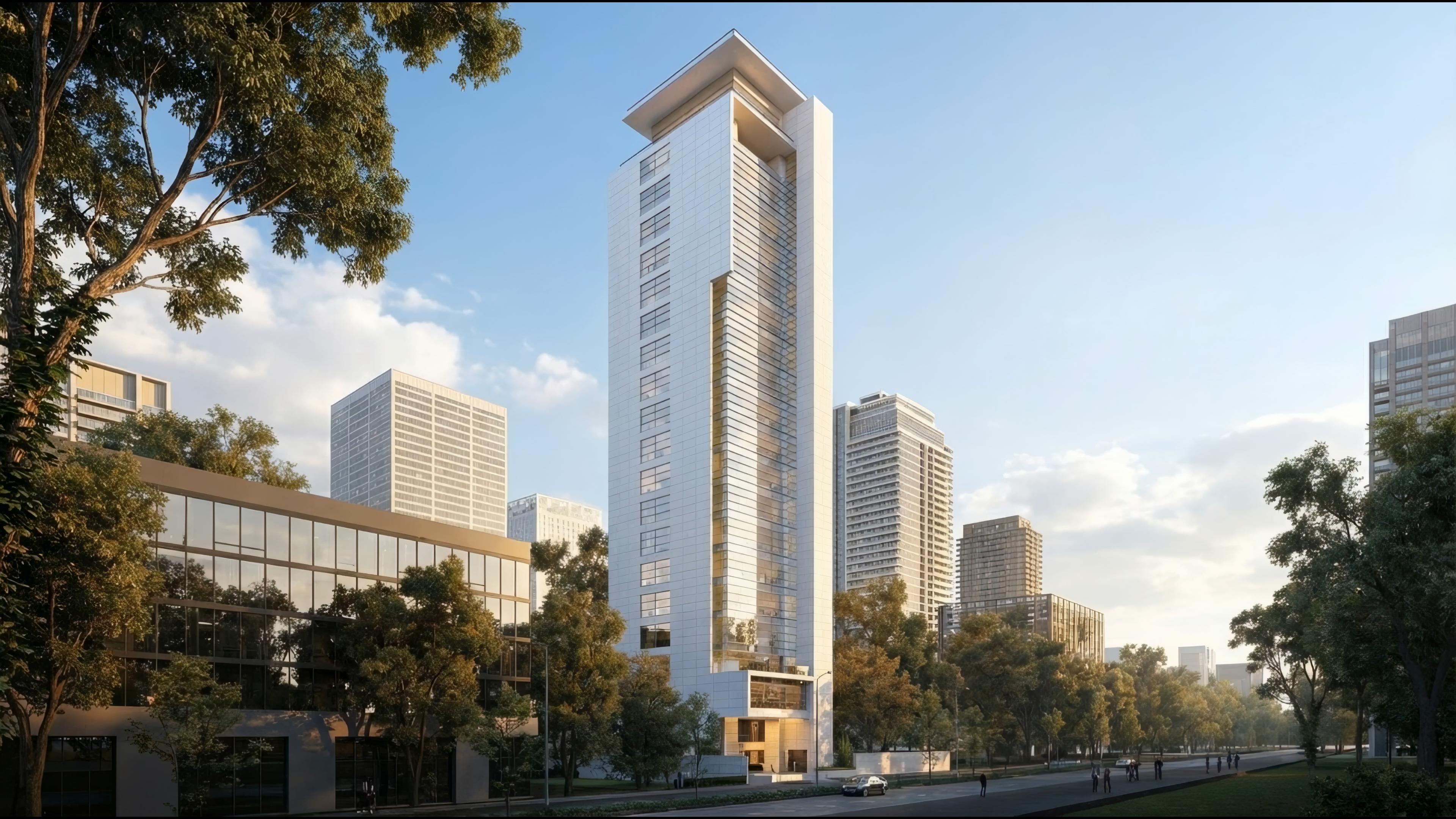
Architectural 3D Rendering
Photorealistic exteriors that win approvalsSee the work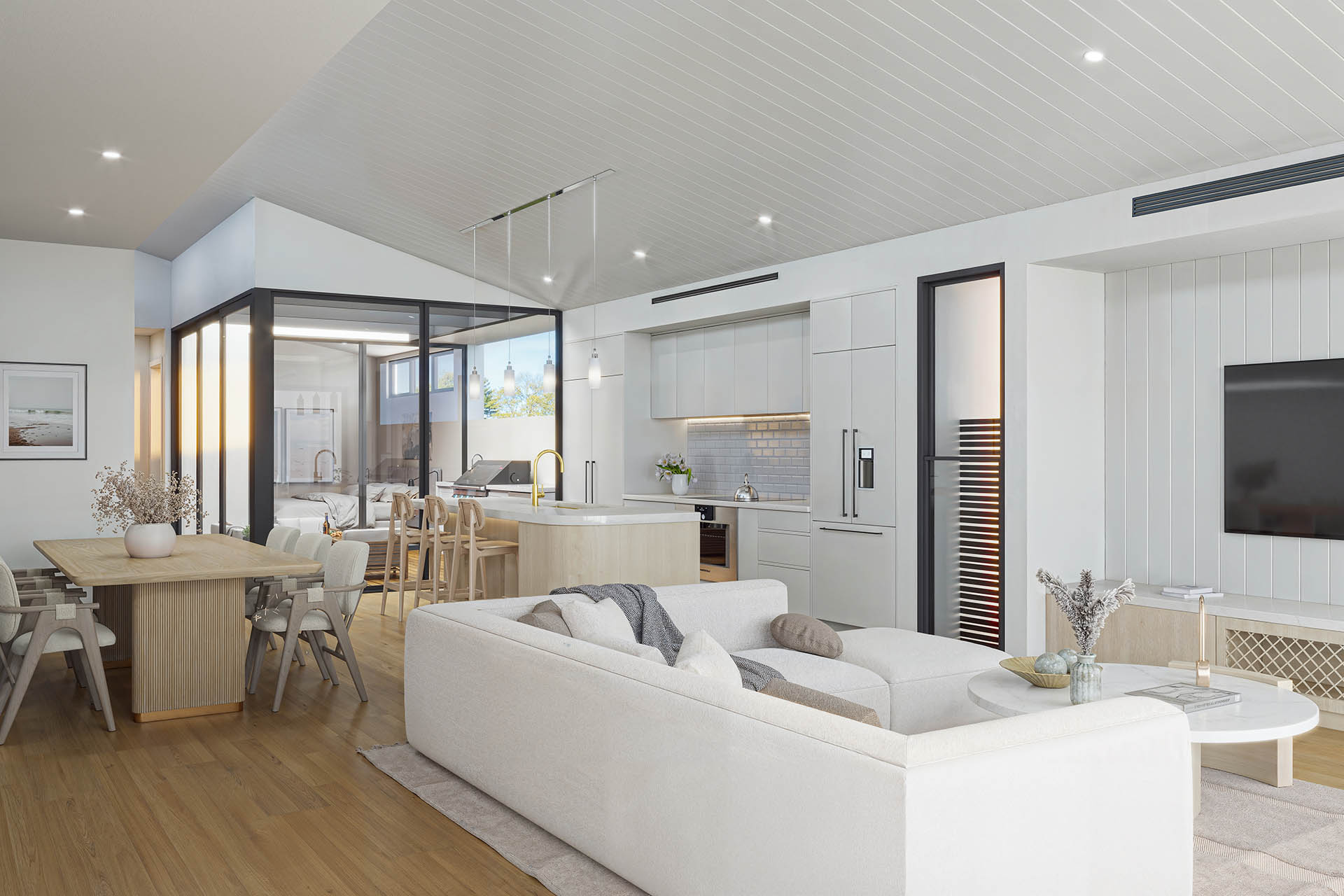
Interior 3D Rendering
Lifelike spaces, down to the materialSee the work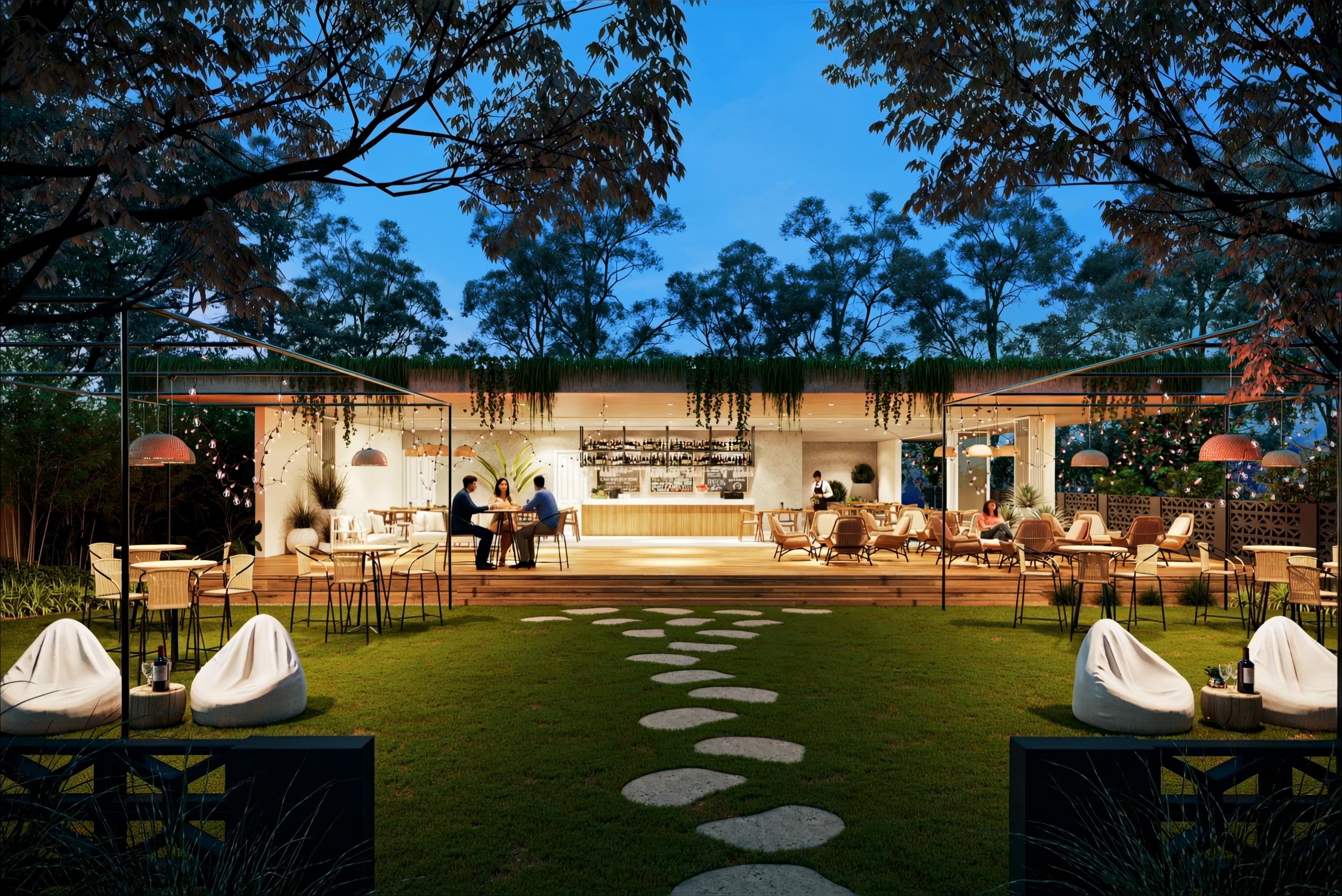
3D Animation
Present your project cinematicallySee the work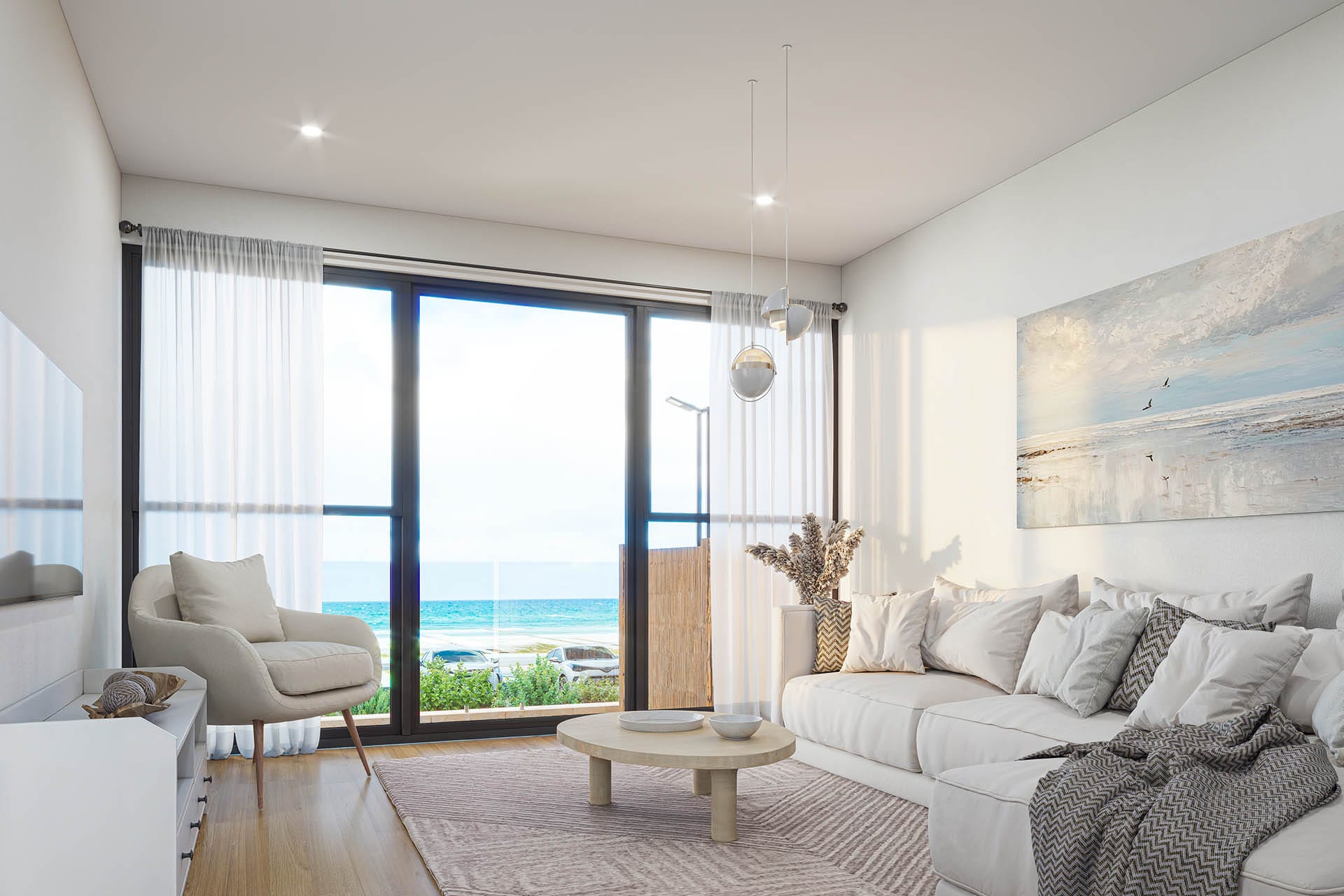
Matterport 360 Virtual Tour
Spaces clients can walk throughSee the work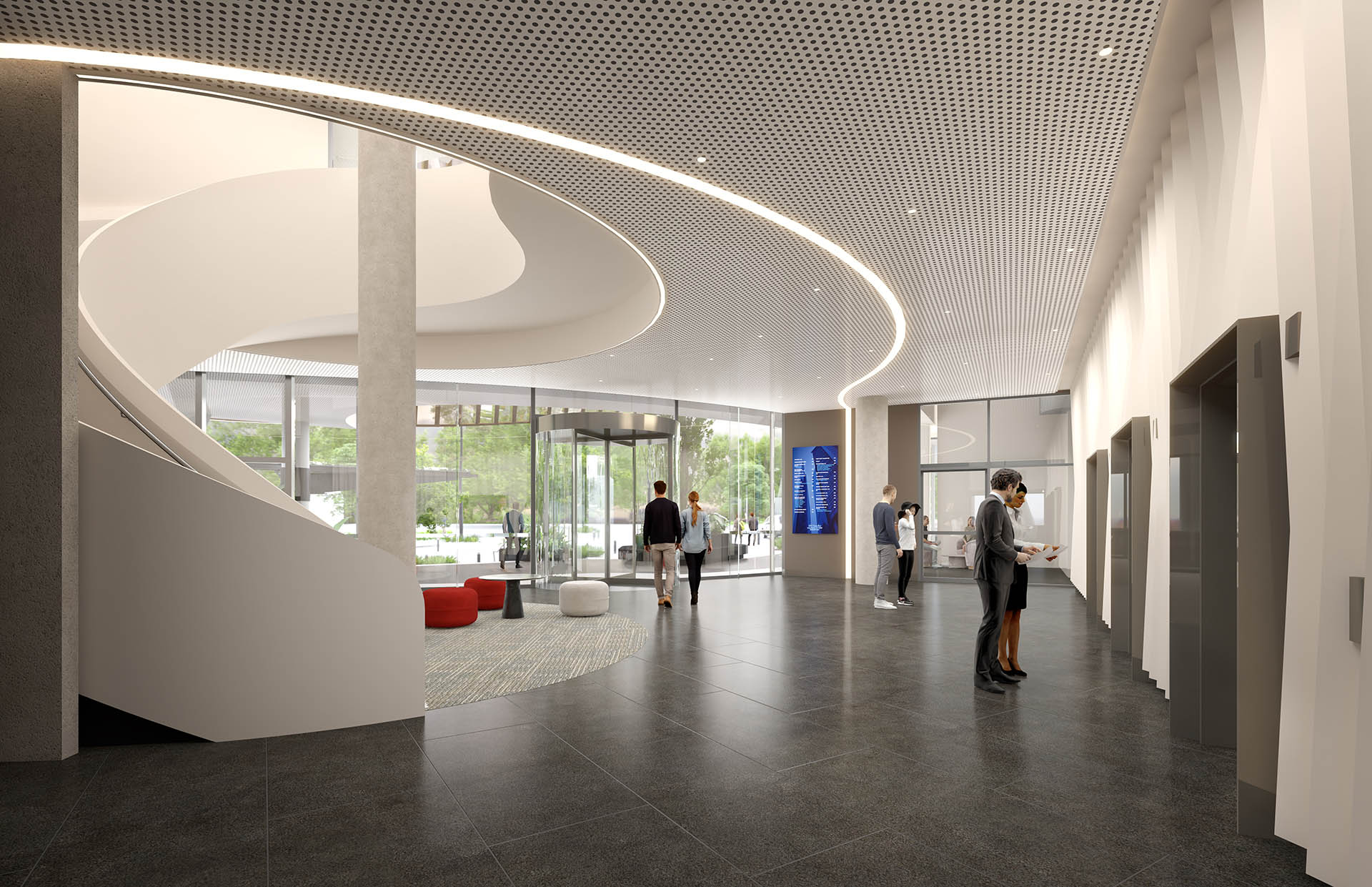
360° VR & AR Visualization
Step inside before constructionSee the work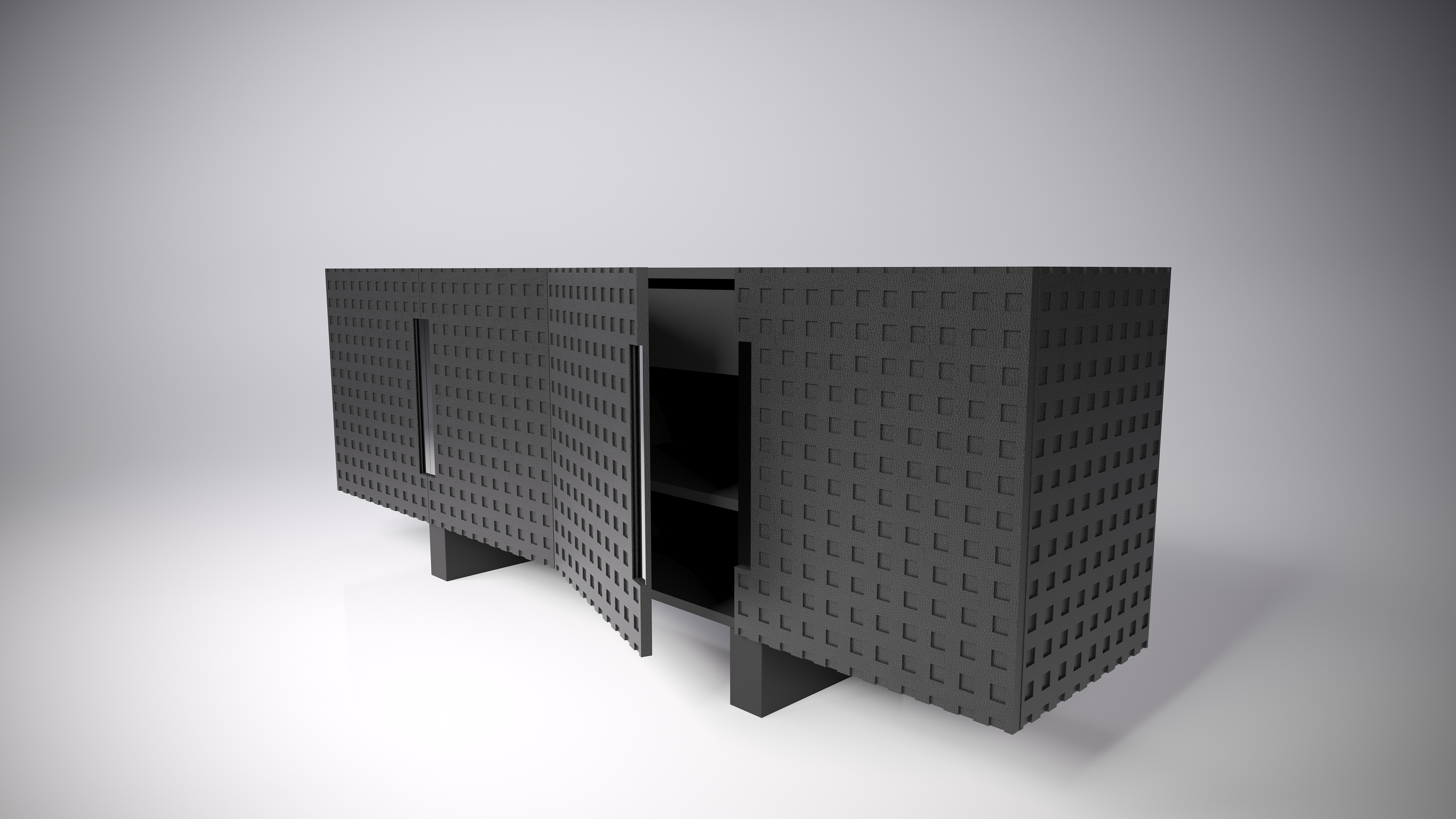
3D Product Design & Rendering
Product visuals built for campaignsSee the work
Give the project a moving image.
Send the model or the drawings and the date it needs to be live. You get a shot list, a schedule and a fixed price back.
- Fixed quote after reviewing the brief
- Two revision rounds
- Six still frames free