

360° VR & AR Visualization
Turn Your Project Into an Immersive 3D Experience
Explore the Space
Build Confidence
Present Better
Market Smarter
Why Choose VR & AR Visualization
Help People Experience Your Project Before It Exists
A render shows one view.
VR and AR help people feel inside the space.
360° VR and AR visualization turns your design, model, or concept into an immersive experience. Viewers can explore rooms, layouts, materials, scale, and atmosphere in a more natural way.
This makes your project easier to present, explain, promote, and sell.
Experience Types
Types of VR & AR Experiences We Create
01
360° Rendered Scene
✓ Planning
✓ Sales
✓ Public Visuals
02
VR Walkthrough Experience
✓ Layout
✓ Scale
✓ Presentation
03
AR Concept View
✓ Placement
✓ Preview
✓ Real-World
04
Immersive Sales Presentation
✓ Sales
✓ Investors
✓ Presentation
05
Interactive Room Experience
✓ Finishes
✓ Layout
✓ Atmosphere
06
Exhibition or Showroom Experience
✓ Events
✓ Displays
✓ Launches
Experience Types
Types of VR & AR Experiences We Create
01
360° Rendered Scene
✓ Planning
✓ Sales
✓ Public Visuals
02
VR Walkthrough Experience
✓ Layout
✓ Scale
✓ Presentation
03
AR Concept View
✓ Placement
✓ Preview
✓ Real-World
04
Immersive Sales Presentation
✓ Sales
✓ Investors
✓ Presentation
05
Interactive Room Experience
✓ Finishes
✓ Layout
✓ Atmosphere
06
Exhibition or Showroom Experience
✓ Events
✓ Displays
✓ Launches
What Your VR & AR Experience Shows
Show the Space in a More Immersive Way
Room Layout
Show size, height, shape, and structure.
Scale and Depth
Help viewers feel the size, height, and distance within the space.
Materials and Finishes
Show walls, floors, ceilings, furniture, fixtures, and surface details.
Lighting and Mood
Show the space with natural light, evening light, or a chosen atmosphere.
Key Views
Guide viewers toward the most important parts of the room, building.
Interactive Detail
Add hotspots, labels, options, or guided points where needed.
Start With A Vision
Share your plans, drawings, references, or design direction. Our team turns them into precise 3D models, realistic materials, atmospheric lighting, and polished visuals ready for presentations, approvals, and marketing.
A clear process. A reliable team. A final result that helps people see the project before it exists
Use Cases
Use One Immersive Experience Across Many Project Touchpoints
Sales Suites
Help buyers explore homes, apartments, rooms, and finishes in a more engaging way.
Client Presentations
Show the design in a format that feels clearer than drawings or still images alone.
Investor Decks
Give investors a stronger sense of scale, layout, and final value.
Design Review
Review layout, materials, sightlines, lighting, and user experience before final decisions.
Events and Showrooms
Use immersive visuals on screens, headsets, tablets, booths, and launch displays.
Not Sure Which VR or AR Format You Need?
For Property Sales
Use VR walkthroughs or 360° rooms to help buyers feel the space before they visit.
For Design Approval
Use 360° views or VR scenes to review layout, materials, and atmosphere.
For Events
Use headset-ready VR, screen-based 360° scenes, or AR demos to attract attention.
For Products
Use AR to show how a product, fixture, or feature looks in a real setting.
For Early Concepts
Use simple immersive scenes to test ideas, layout, and mood before full production.
Let Clients Step Inside Before Construction Starts
01 / OutCOME
Make Designs Easier to Experience
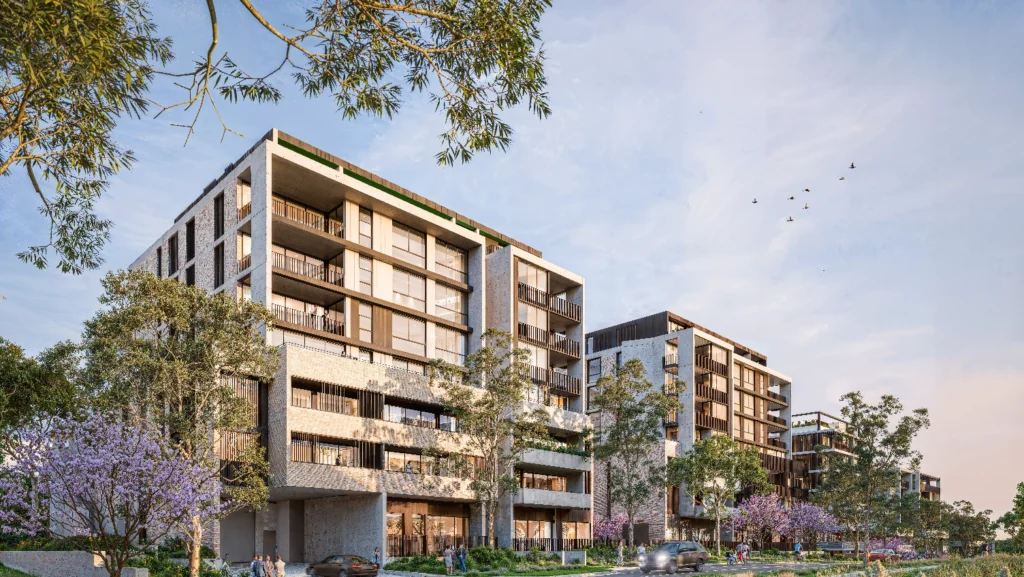
Let clients explore rooms, layouts, materials, and sightlines from every angle. Immersive visualization makes complex plans easier to understand.
02 / OutCOME
Strengthen Sales Presentations
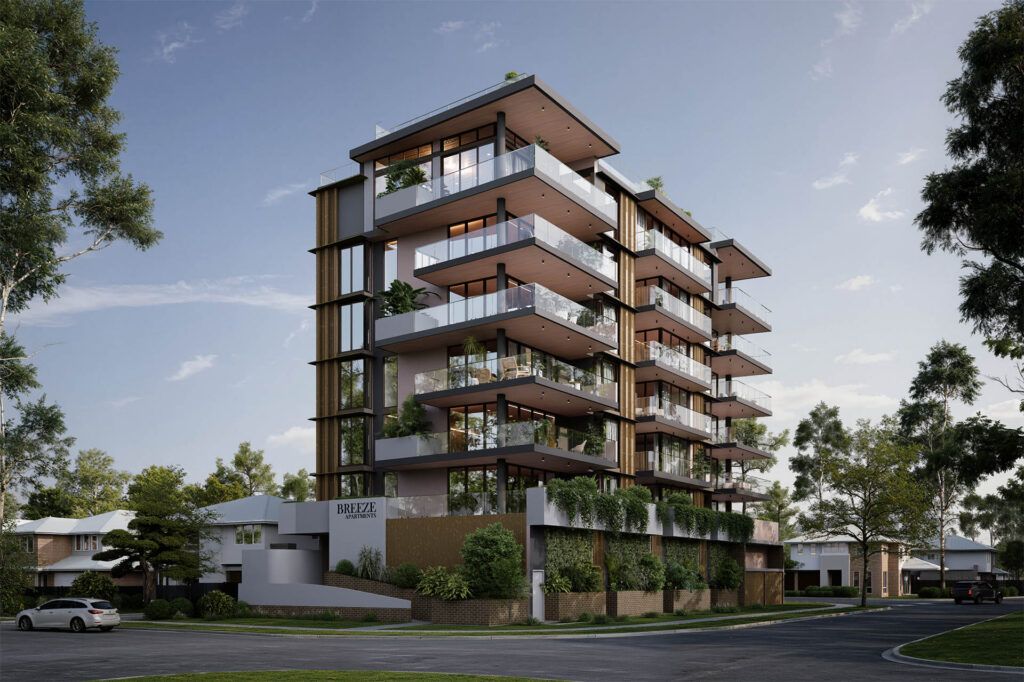
Use VR and AR experiences in sales suites, investor meetings, property launches, showrooms, and events to make the project more memorable.
03 / OutCOME
Review Choices Before the Build
Test layouts, finishes, furniture, fixtures, and spatial flow before construction. Early review helps teams identify changes when they are easier to make.











What is 360 VR and AR visualization?
It turns a planned space or product into an immersive digital experience that viewers can explore before it exists.
How is it different from a Matterport tour?
VR and AR can visualize unbuilt designs. Matterport captures a real space that already exists.
What files do you need to get started?
We can work from CAD, Revit, SketchUp, floor plans, elevations, 3D models, material schedules, and visual references.
Where can the experience be viewed?
Depending on the format, it can run on websites, phones, tablets, computers, screens, or compatible VR headsets.
How long does a VR or AR project take?
Timing depends on the space, interaction level, platform, and number of scenes. We confirm a schedule after reviewing the brief.
Can the experience be updated later?
Yes. We can update layouts, materials, furniture, features, or branding when the source design changes.
Start Your Project
Ready to Turn Your Design Into an Immersive Experience?
Send your plans, model, references, and intended platform. We will recommend the right 360, VR, or AR format for presentations, sales, and design review.
